
How consultants, lawyers, accountants and clinicians use local models on material that must never touch a vendor's servers.
Professionals handling privileged or regulated material often cannot use hosted AI at all — not because the tools are poor, but because sending the document off-device creates a disclosure their obligations do not permit. Local inference sidesteps that conflict entirely rather than mitigating it.
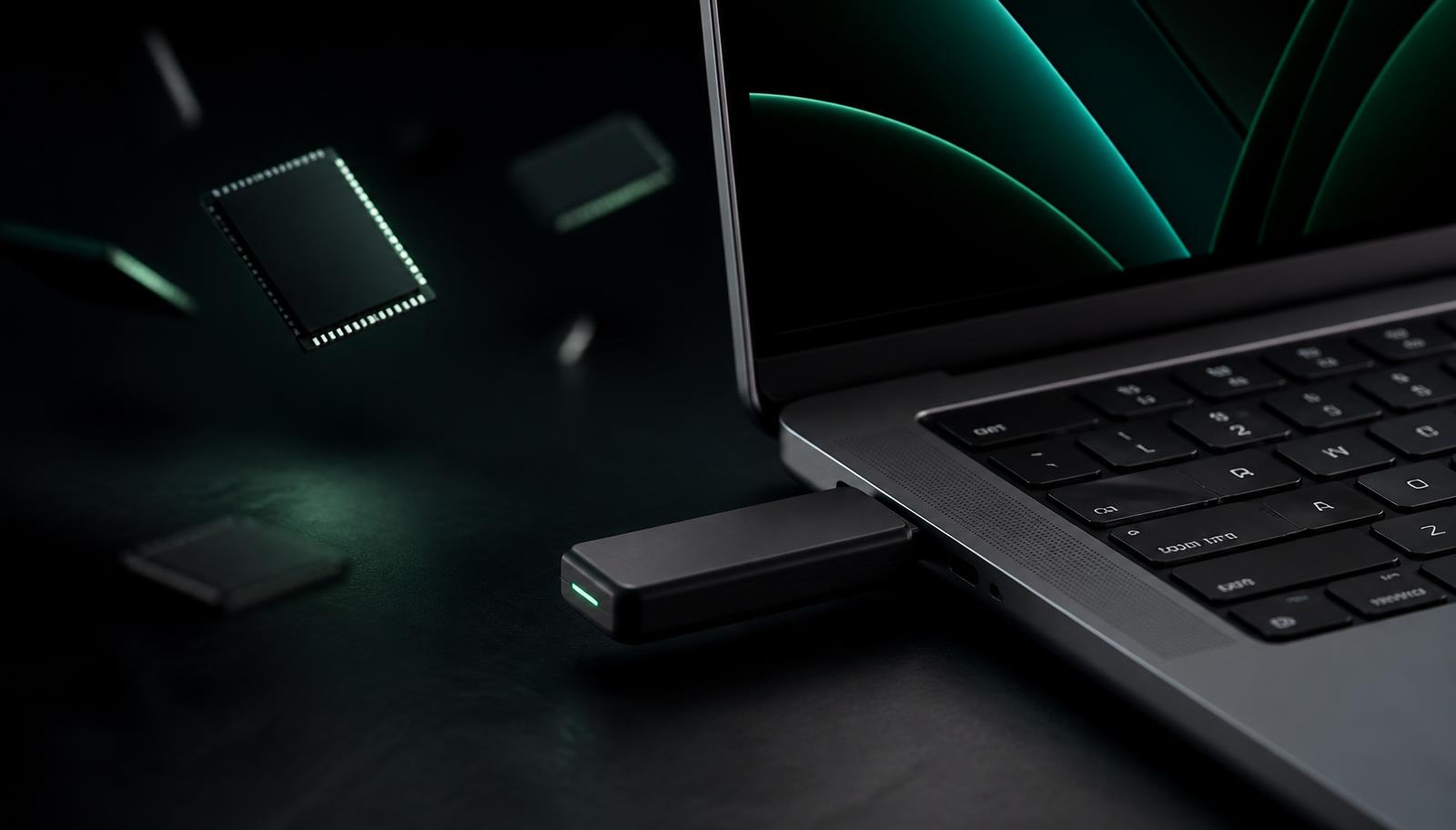
This is now one of the most common reasons people buy a Neurastick: they already know what they would do with AI, and the blocker was never capability.
Why hosted tools create a problem
Under most professional duties of confidentiality, disclosing client information to a third party requires a lawful basis and often informed consent. A cloud AI provider is a third party. Even with strong contractual protections, the assessment has to be made, documented and defended.
Regulated data adds statutory weight. Health information in the US falls under HIPAA and typically needs a business associate agreement; personal data in Europe engages GDPR obligations around processors and international transfers. Professional bodies have issued matching guidance — the American Bar Association's Formal Opinion 512, for instance, asks lawyers to understand whether inputs are retained or used for training before using a generative tool on client matters.
Typical workflows
The pattern is consistently the same: load a document from the drive or your own disk, ask questions about it, and produce a draft, summary or comparison. Because the model runs locally, the file never becomes anyone else's data and no processing agreement is required.
- Contract review, clause comparison and risk flagging
- Case, session or consultation note drafting from your own notes
- Summarising long reports and filings before a client call
- Translating correspondence without exposing names or terms
- Drafting first-pass responses to RFPs and due diligence questionnaires
- Structuring interview transcripts into themes for a report
A sensible working policy
Firms that adopt local AI well tend to write down a short internal policy rather than leaving it informal. It does not need to be long: state what the tool may be used for, that output is always reviewed by the responsible professional, and that the drive is treated as a confidential device.
- Keep the drive with the same care as a client file — encrypted tiers exist for a reason
- Review and verify every output before it reaches a client
- Do not treat model output as legal, medical, tax or financial advice
- Record in your engagement terms that AI assistance is used, if your regulator expects it
Which tier professionals choose
Pro (256 GB, $297) is the common pick: it runs larger writing and analysis models on a 16 GB machine and has ample room for working files. Sovereign (1 TB, $997) adds hardware-encrypted storage, which is the deciding feature for anyone carrying material between offices or across borders.
A note on judgement
Local models are assistants, not authorities. They speed up reading, drafting and structuring — the professional review, and the responsibility for it, still belongs entirely to you. Nothing in this article is legal or compliance advice; check your own regulator's current guidance before adopting any AI tool.
Frequently asked
Can I use AI on HIPAA-protected information?
Local processing avoids the third-party disclosure that normally requires a business associate agreement, but you remain responsible for your own safeguards and for following current HHS guidance.
Is local AI acceptable for privileged legal work?
Professional guidance focuses on whether inputs are retained or used for training. With local inference, nothing leaves the device — though you must still review all output.
Which Neurastick suits professional client work?
Pro (256 GB) for most practitioners, or Sovereign (1 TB) when hardware-encrypted storage is required.
Sources and further reading
- HIPAA Privacy Rule guidance— US Dept. of Health & Human Services
- GDPR Article 28 — processors— EU GDPR
- Ethics opinions on generative AI in legal practice— American Bar Association
Related on Neurastick
Own your AI. Starting at $97.
One payment, no account, fully offline. Compare all six Neurastick models.
Shop Now