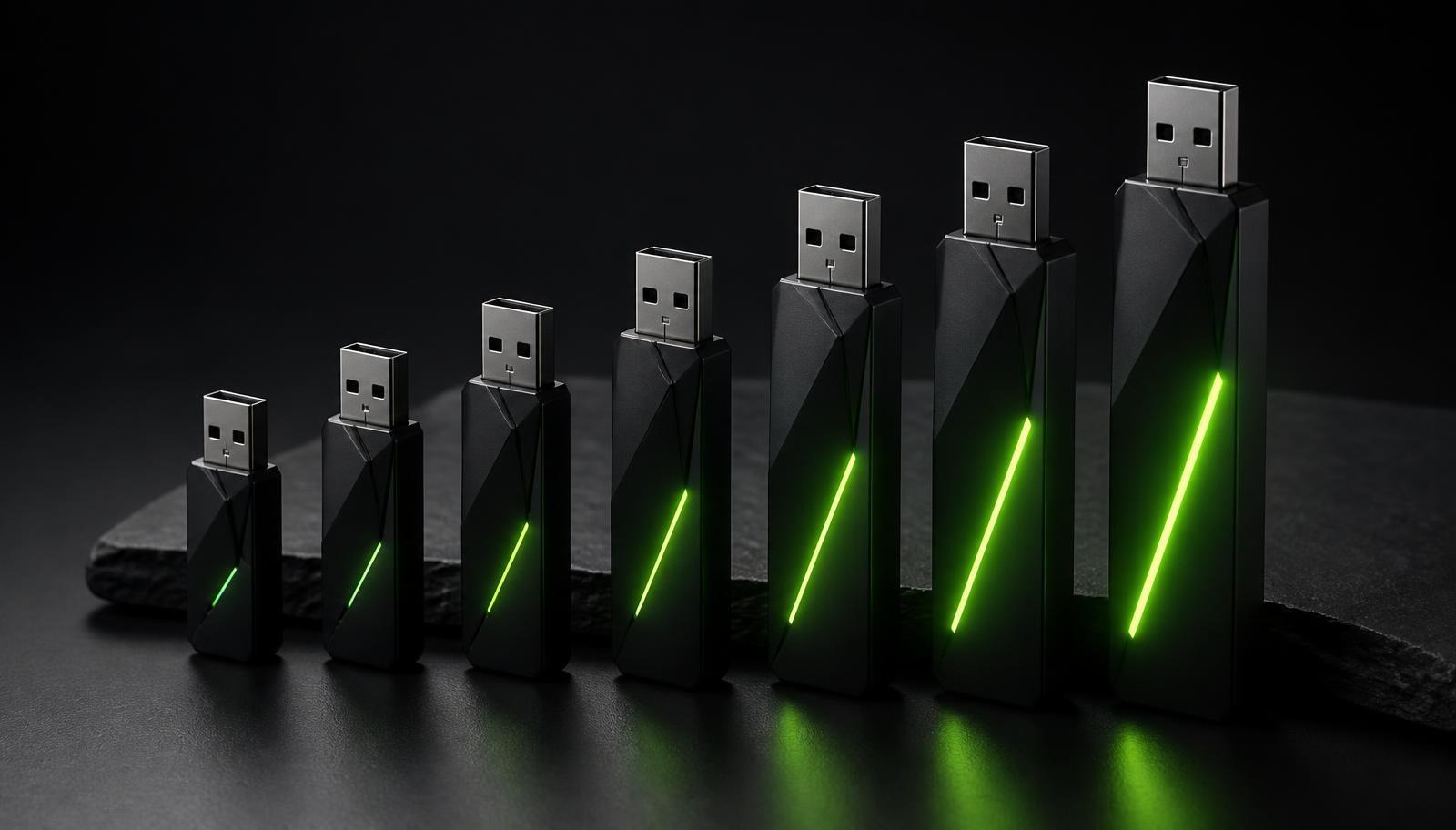
Six models, one decision. A plain-language guide to capacity, model size, memory and which tier actually fits the work you do.
The six tiers differ in three things: how much storage the drive has, how large and capable the bundled AI models are, and which tools are included alongside chat. Bigger models generally write better, follow instructions more reliably and reason further — but they also want more memory from the computer you plug into.
That last point is the one people miss. The drive holds the models; your laptop runs them. So the honest first question is not "how much do I want to spend", it is "what is my machine capable of".
Step one: check your computer's memory
Model memory use scales roughly with the number of parameters and the quantisation level. As a working rule, a quantised 3-billion-parameter model is comfortable in 8 GB of system RAM, a 7–8B model wants 16 GB, and 13B-plus models or heavy image generation are happiest at 32 GB and above. Apple Silicon Macs are unusually good here because the processor and graphics share one fast pool of memory.
On Windows, check Settings → System → About. On a Mac, use the Apple menu → About This Mac. On Linux, run free -h in a terminal. That single number narrows the choice more than anything else.
- 8 GB RAM: Starter (32 GB, $97) or Everyday (64 GB, $147)
- 16 GB RAM: Creator (128 GB, $197) or Pro (256 GB, $297)
- 32 GB RAM and up: Studio (512 GB, $497) or Sovereign (1 TB, $997)
Step two: match the work you actually do
Chat, drafting, rewriting and summarising are covered on every tier — nobody needs the top model to fix an email. What changes as you move up is throughput on long documents, quality on nuanced writing, and the extra tools that come bundled.
Document analysis at volume, image generation, transcription and a local API for your own scripts appear progressively across the range. If you currently pay for several AI subscriptions, the middle tiers typically pay for themselves within two to four months.
- Trying local AI, student or occasional use: Starter
- Daily writing, email and note-taking: Everyday
- Content, campaigns, social and image generation: Creator — the most popular tier
- Client documents, contracts and confidential analysis: Pro
- Studio-grade image work and heavy document analysis: Studio
- Maximum capability, largest models, hardware-encrypted storage: Sovereign
Step three: think about storage headroom
Capacity is not only about the models that ship on the drive. It is also the space you have left for your own working files, additional models you may add later, and generated images, which accumulate faster than people expect.
A 32 GB Starter is deliberately tight — it is designed to hold a compact assistant and a little breathing room. From 128 GB up, the drive doubles comfortably as portable storage for the projects you work on, which is a real convenience if you move between machines.
Common mis-picks, and how to avoid them
The most frequent mistake is buying above your machine: a big model on 8 GB of RAM will run, but slowly enough to feel broken. The second is buying below your ambition — choosing Starter when the actual goal was image generation, which begins at Creator.
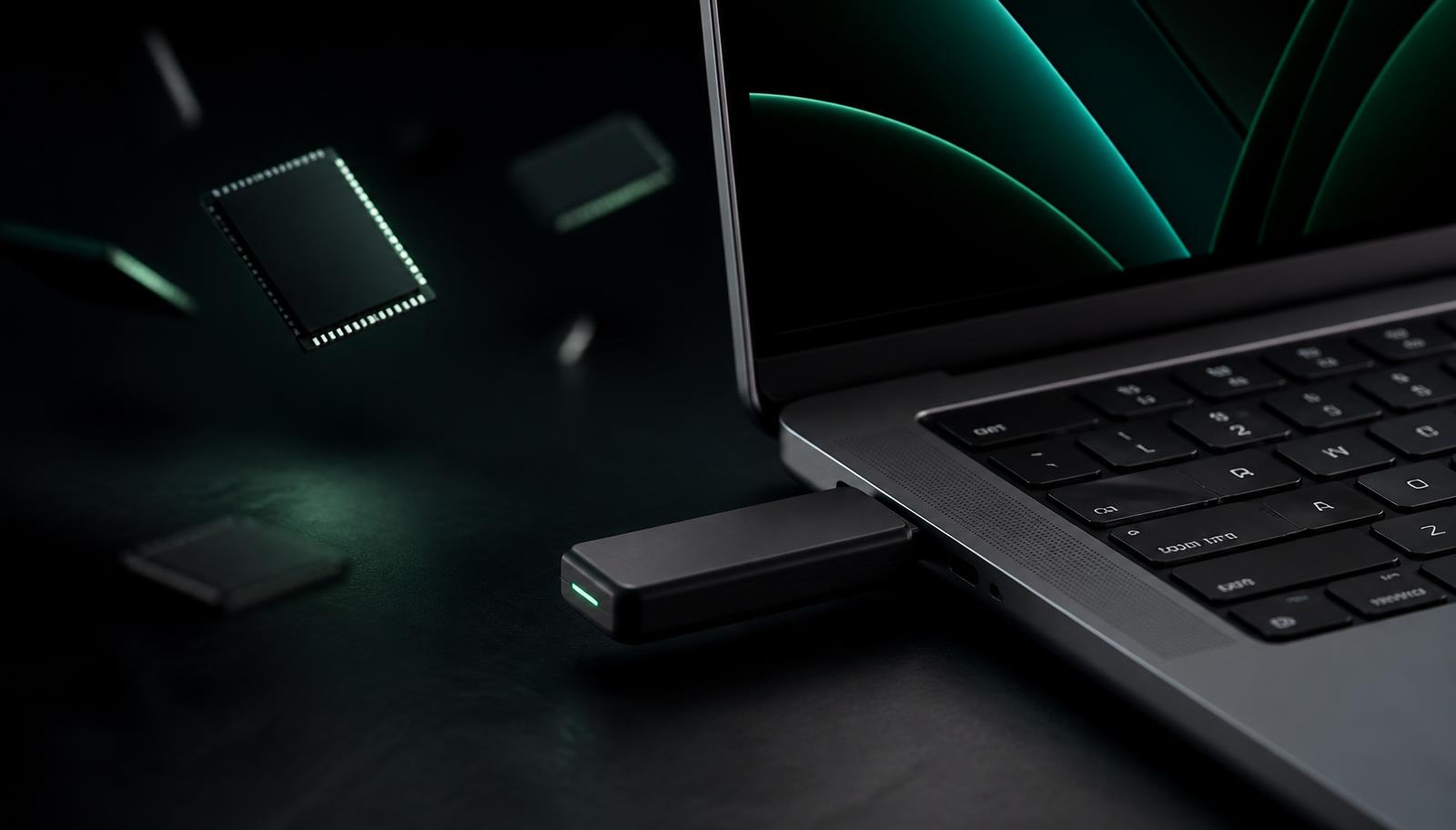
A third, quieter one is assuming an older desktop is disqualified. It usually is not. Any machine from roughly the last seven years with enough RAM will run the compact tiers; the push-pull housing carries both USB-A and USB-C, so port age is not an obstacle either.
You are not locked in
Every Neurastick includes a trade-up credit for its full purchase price toward a higher tier within twelve months. Starting small is a genuinely safe way to discover what you need, and it is the route we recommend to anyone unsure between two adjacent tiers.
Note that all sales are final — the trade-up programme is an upgrade path, not a refund. It exists because the drives ship pre-loaded with licensed models, which cannot be un-delivered once they are in your hands.
Frequently asked
Which Neurastick is best for most people?
Creator (128 GB, $197). It runs comfortably on a typical 16 GB laptop, includes image generation and handles long documents without hesitation.
Can I upgrade later?
Yes. Every Neurastick carries a 12-month trade-up credit for its full purchase price toward any higher tier.
Will a Neurastick work on my old laptop?
Most likely. Machines from roughly the last seven years with 8 GB of RAM or more run the compact tiers, and the housing includes both USB-A and USB-C connectors.
Sources and further reading
- Find out how much RAM your Windows PC has— Microsoft Support
- About This Mac — checking memory on macOS— Apple Support
- Open model catalogue and size comparisons— Hugging Face
Related on Neurastick
Own your AI. Starting at $97.
One payment, no account, fully offline. Compare all six Neurastick models.
Shop Now