No graphics card, no server, no terminal. A reality check on running AI models on ordinary laptops — and the one spec that actually decides it.
The most common assumption about local AI is that it demands an expensive graphics card. For the compact and mid-size models on a Neurastick, that is simply not true. Modern CPUs handle them, and Apple Silicon in particular runs them very comfortably thanks to unified memory shared between the processor and graphics.
A discrete GPU makes generation faster — sometimes dramatically so for images. It is an accelerator, not a requirement.
Memory is the real limit
Model size maps roughly to memory use. Weights are stored in a quantised format, meaning each parameter is compressed to about 4 bits instead of 16, which is what makes laptop-class inference viable at all. Multiply parameters by roughly half a byte and you get a workable estimate of the memory a model needs, plus overhead for context.
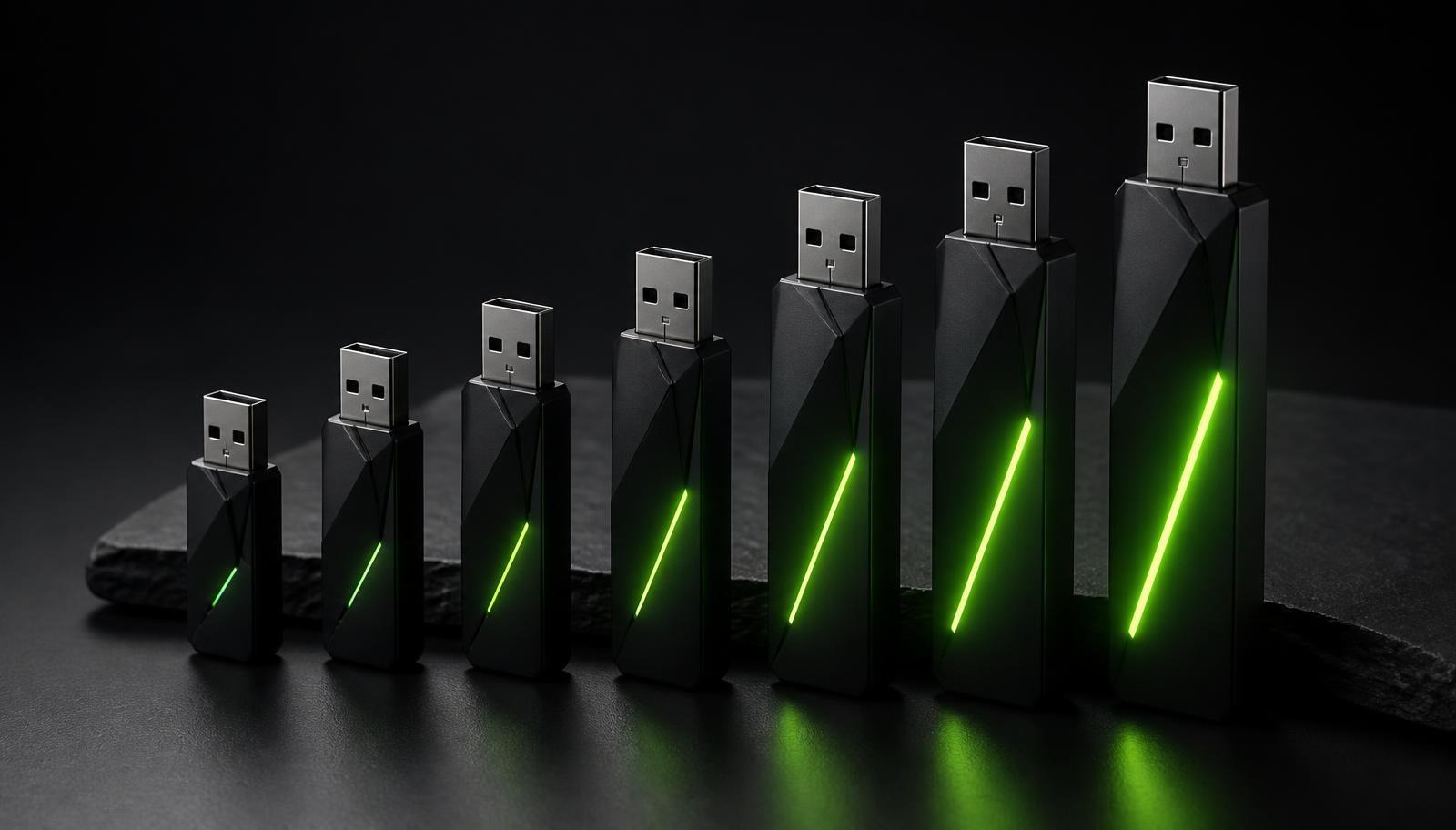
In practice: a 3B chat model is happy in 8 GB of system memory. A 7–8B model wants 16 GB. The largest reasoning and image models are best above 32 GB. Every Neurastick product page lists exactly what its bundled models expect, so there is no guesswork.
- 8 GB RAM — compact chat, drafting, summarising, short documents
- 16 GB RAM — larger writing models, long documents, image generation
- 32 GB+ RAM — biggest bundled models, batch analysis, studio image work
Processor: newer helps, old is not disqualified
Inference speed on CPU depends on memory bandwidth and vector instruction support more than raw clock speed. Any Intel or AMD processor from roughly 2018 onward, and every Apple Silicon chip, is comfortably in range. Older machines still work; they generate text more slowly, at reading speed rather than instantly.
If you want a rough sense of what to expect: a compact model on a modern laptop typically produces text faster than you can read it. A large model on an older machine may produce a few words per second, which is fine for drafting and frustrating for long back-and-forth.
Storage and ports
Everything runs from the drive itself, so you do not need free space on your computer and you are not installing anything into the operating system. That is also why the same stick works across machines — desktop at the office, laptop at home, someone else's computer when travelling.
The push-pull housing carries both USB-A and USB-C, which covers older desktops as well as current laptops and tablets without an adapter. USB 3.0 or better is recommended; the drive works on USB 2.0 ports but model loading takes noticeably longer.
Operating systems
Windows 10 and 11, macOS 12 Monterey and later on both Intel and Apple Silicon, and mainstream Linux distributions are supported. You choose your platform at checkout so the drive ships configured for it. No administrator rights are needed, which is often the deciding detail on a managed work laptop.
Battery, heat and everyday practicality
Local inference is a genuine workload: the processor runs hard while generating, so a laptop on battery will drain faster and the fans may spin up during long sessions. This is normal and no different from video editing or a large compile.
For sustained work, plug in. For a few dozen prompts on a train, battery is fine.
Frequently asked
Do I need a GPU to run local AI?
No. Every Neurastick model runs on CPU. A dedicated GPU or Apple Silicon simply makes responses and image generation faster.
How much RAM do I need for local AI?
8 GB is enough for compact models, 16 GB is the comfortable mainstream target, and 32 GB or more suits the largest models and image generation.
Does it install anything on my computer?
No. The launcher, models and tools all run from the drive, and no administrator rights are required.
Sources and further reading
- Apple Silicon unified memory architecture— Apple Developer
- Quantisation and memory use in local inference— llama.cpp
- USB 3.0 data transfer rates explained— USB Implementers Forum
Related on Neurastick
Own your AI. Starting at $97.
One payment, no account, fully offline. Compare all six Neurastick models.
Shop Now