How it works
Plug In → Launch AI → Use Privately
Neurastick runs the AI on your own computer's processor, using models stored on the drive. That's the whole trick — and it's why nothing needs to be uploaded.
Step 01
Plug In
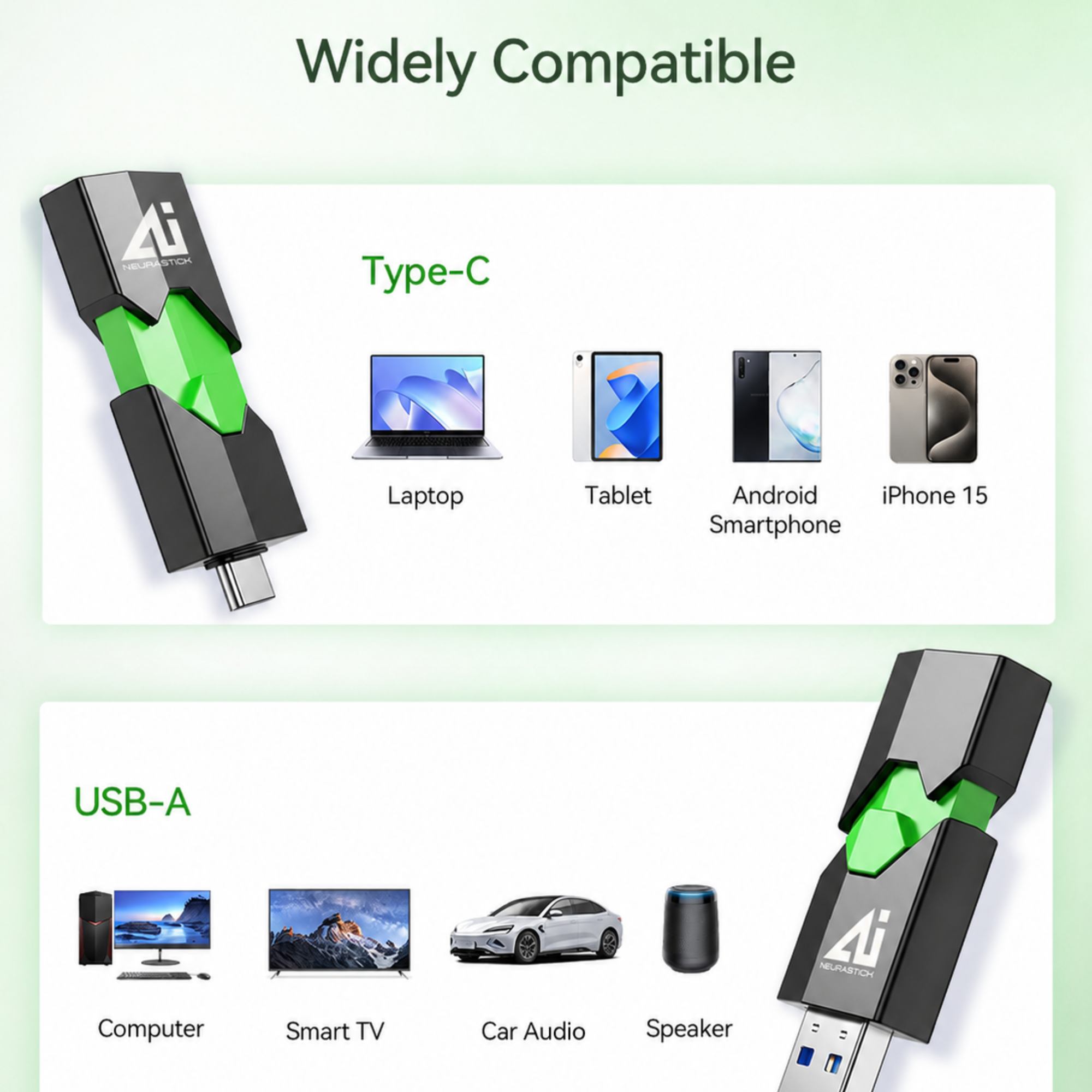
Slide the housing one way for USB-A, the other for USB-C. Neurastick appears as an ordinary drive — no drivers, no installer, no admin password.
- Works on Mac and Windows
- USB-A and USB-C in one body
- Nothing installed on the host computer
Step 02
Launch AI
Open the Neurastick Launcher from the drive and pick a model. Everything is already on board, so there's nothing to download and no sign-in screen.
- Models pre-loaded and ready
- One click to start
- No account or licence key
Step 03
Use Privately
Chat, analyse documents, transcribe audio and generate images. Turn off your Wi-Fi and confirm for yourself: it all still works.
- Prompts stay on your machine
- History saved to the drive, not the host
- Eject and you leave no trace
The hardware
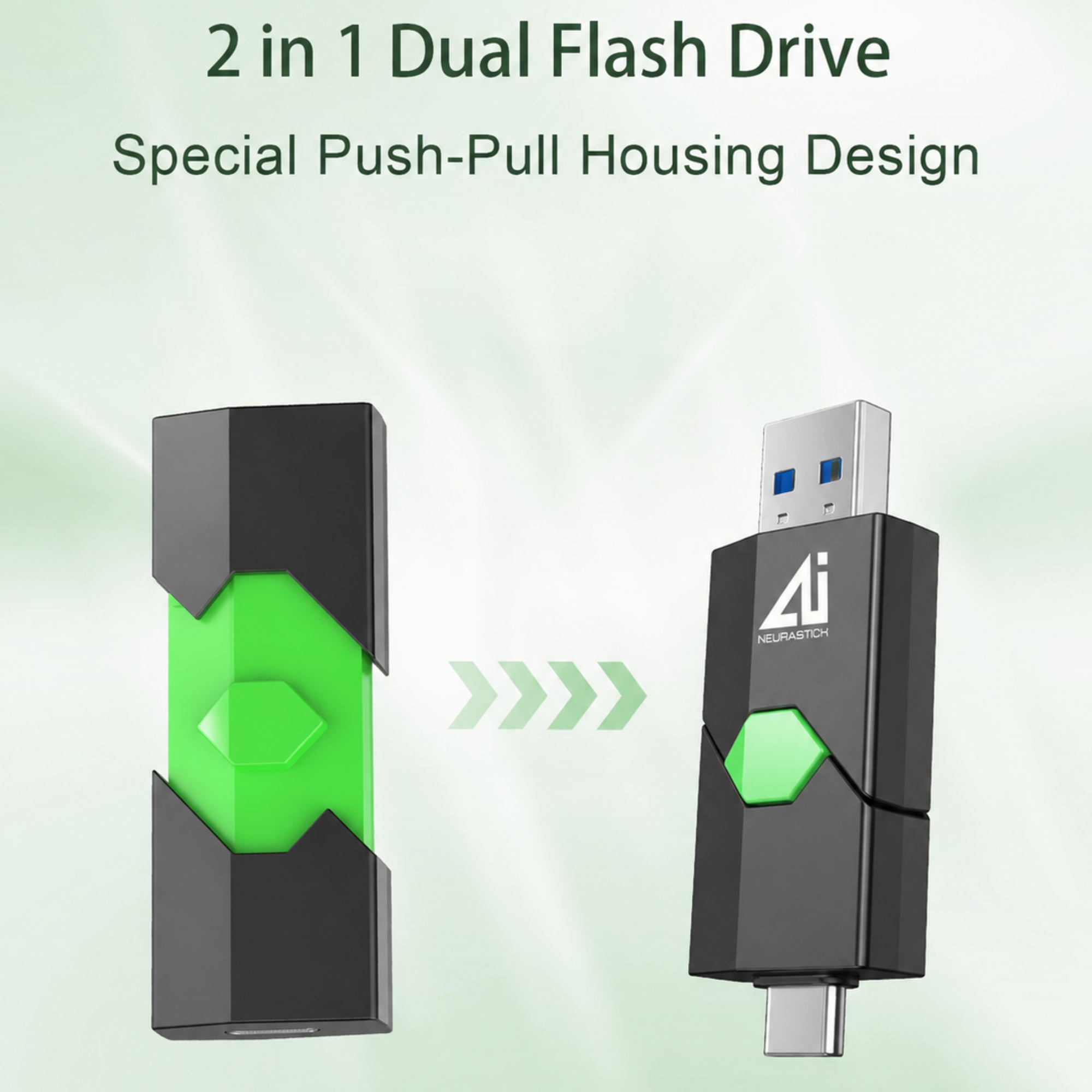
A push-pull body with two plugs and no cap to lose.
The housing slides in either direction to reveal USB-A or USB-C. The connector you aren't using stays protected inside, so there's no cap to misplace and nothing exposed in your bag.
- USB 3.2 transfer speeds so large models load fast
- Aluminium-reinforced shell rated for 10,000 slide cycles
- Status LED under the green hex button
Models on the stick
Real open models. Running locally, on your machine.
Every Neurastick ships with a curated library of open-weight AI models, pre-installed and ready to run with no internet connection. Larger tiers add bigger models and more tools.
Alibaba Qwen
Qwen 2.5 7B / 14B Instruct
General chat, long documents and reasoning
Meta
Llama 3.1 8B Instruct
Everyday writing, email and research
Google DeepMind
Gemma 3 4B
Fast and light — runs on 8 GB RAM laptops

Mistral AI
Mistral 7B Instruct
Crisp summaries and drafting
DeepSeek
DeepSeek-R1 Distill 7B / 8B
Step-by-step reasoning and analysis
Microsoft
Phi-3 Mini
Tiny footprint, surprisingly capable
Model names and logos are trademarks of their respective owners. Neurastick packages open-weight models under their published licenses; we are not affiliated with or endorsed by these organizations.
Offline by default
Test it yourself: pull the plug.
The easiest way to trust a privacy claim is to make it impossible to break. Switch off Wi-Fi, unplug ethernet, put your laptop in airplane mode — and keep working. Neurastick never needed the connection.
The launcher makes no outbound network requests. There is no telemetry, no licence check and no update ping.