From opening the box to a working private assistant — plus the handful of habits that decide whether you keep using it.
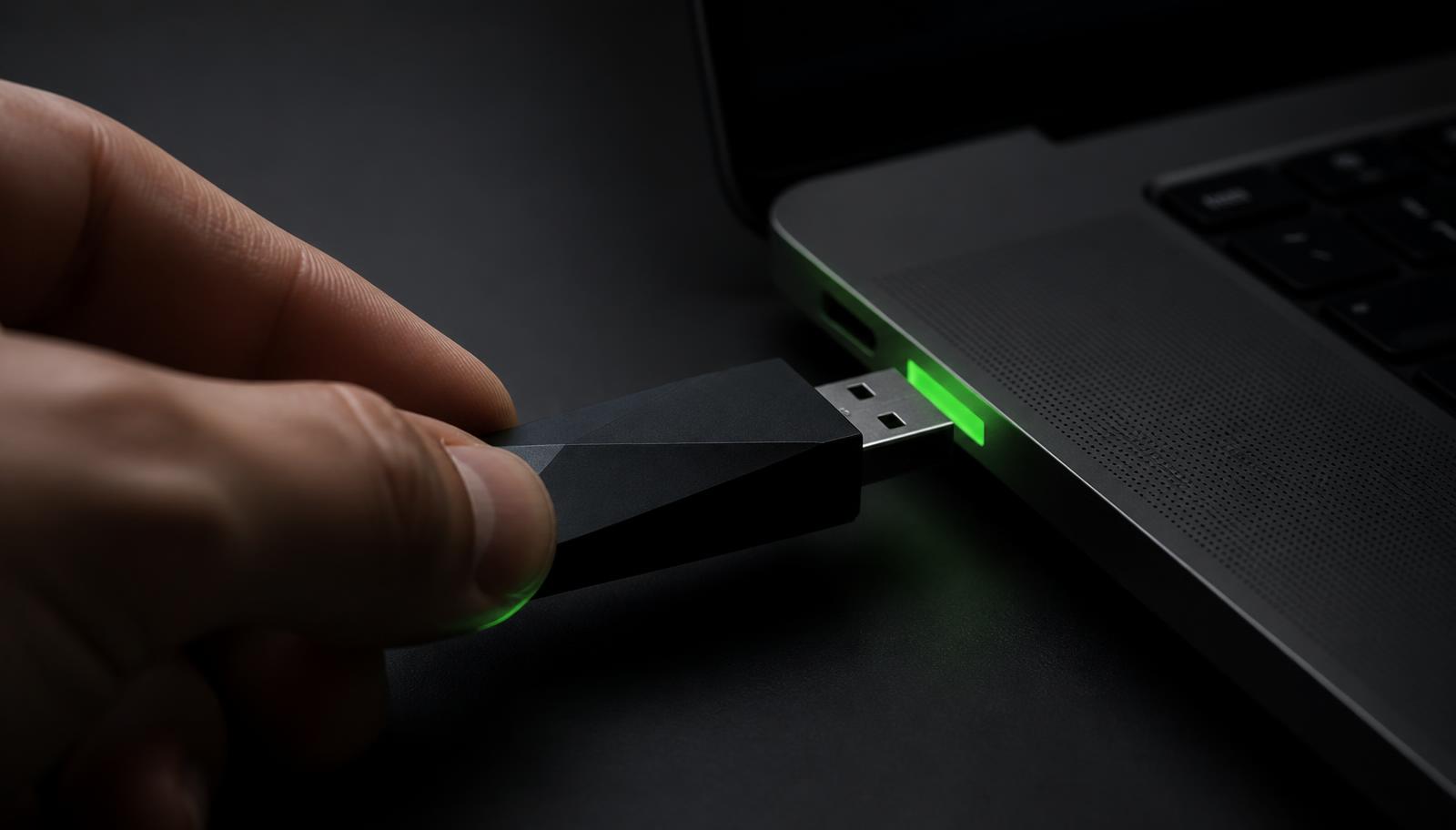
Setup is deliberately boring, and that is the point. Slide the housing open, plug into USB-A or USB-C, open the launcher from the drive, and start typing. There is no installer, no sign-up screen, no licence key and no administrator rights required.
First launch takes a minute or two while the model loads into memory. Subsequent launches are faster.
The first ten minutes
Work through this in order and you will have a clear picture of what the drive does before you commit any real work to it.
- Plug in and open the launcher from the drive, not from a copy on your desktop
- Pick the model marked recommended for your machine on the Quick Start card
- Ask it to rewrite a short email so you can judge tone and speed
- Turn Wi-Fi off and repeat — the answer should arrive exactly the same
- Drop a PDF into Document Q&A and ask for the three main points
Try the offline test first
Turning your Wi-Fi off before your first serious conversation is the fastest way to prove that the model is genuinely running on your own machine. It takes ten seconds and it changes how you use the tool — once you have seen it work disconnected, you stop hesitating over what you paste into it.
Choosing between the bundled models
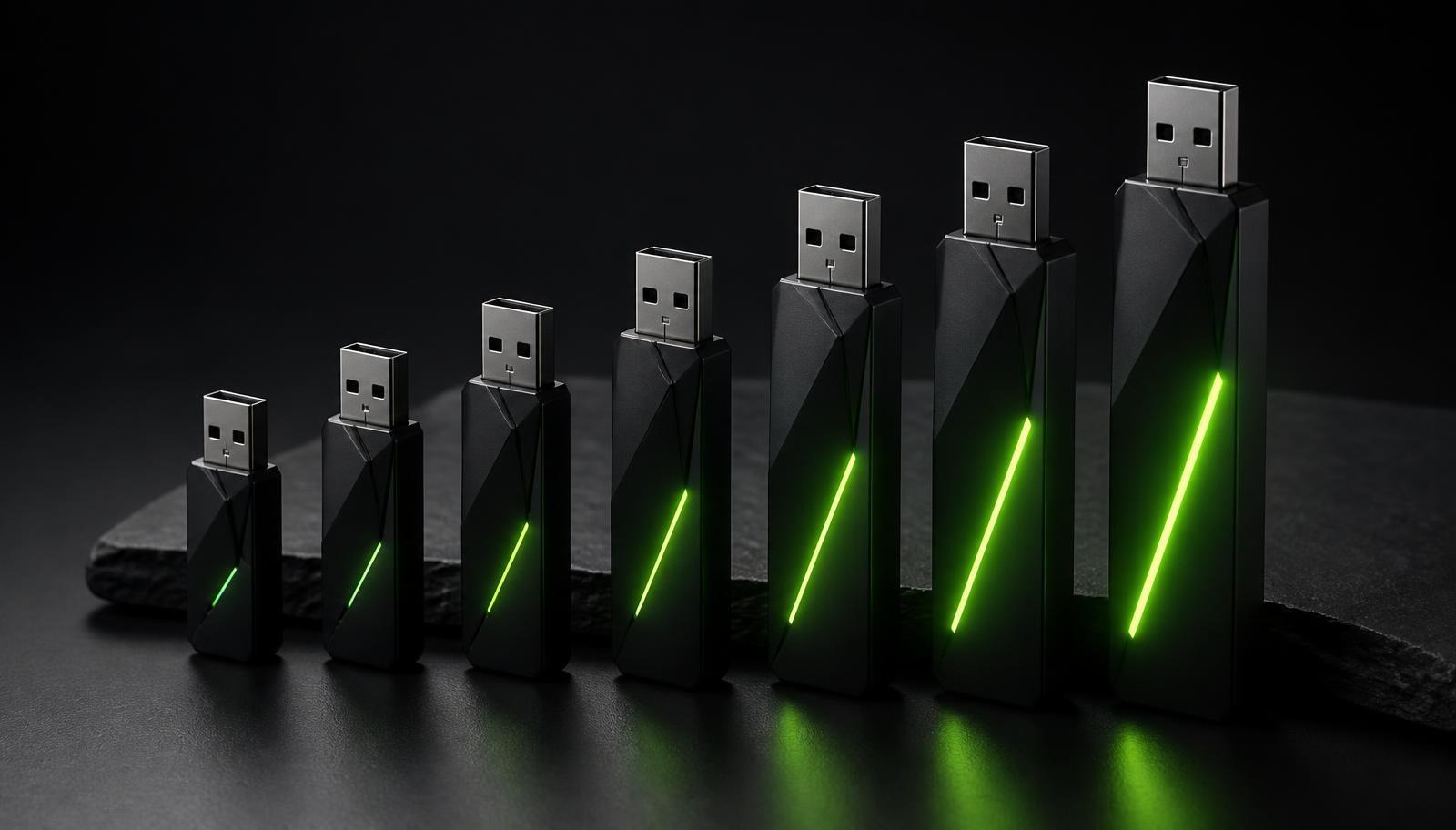
Each drive ships with more than one model. Smaller models answer faster and are ideal for quick rewrites, formatting and short questions. Larger models are slower per response but better at nuance, structure and long documents.
Start with the recommended one. If responses appear faster than you can read, try the next size up. If a model feels sluggish or your machine's fans run constantly, step back down — you lose surprisingly little.
Habits that make it stick
The people who get the most out of a Neurastick treat it as part of the laptop rather than as a gadget. Keep the drive in the same bag pocket, and deliberately use it for the work you would previously have avoided pasting into a chat box. That is where the difference shows up.
- Eject cleanly before unplugging, every time
- Keep the Quick Start card for model recommendations
- Use Document Q&A on files stored locally rather than in synced cloud folders
- Save prompts that work well into a notes file on the drive itself
- Give the model context — role, audience and desired length beat clever phrasing
If something feels wrong
Slow responses usually mean the chosen model is too large for the machine's memory; switch to a smaller one. A drive that does not appear is almost always a front-panel USB hub — plug directly into the computer. If the launcher will not start on a managed work laptop, application allow-listing is the usual cause, and your IT team can whitelist the drive without granting you admin rights.
Anything else, contact us. We answer setup questions directly and we do not need remote access to your machine to help.
Frequently asked
How long does Neurastick setup take?
Under five minutes. Plug in, open the launcher from the drive and start typing — there is no installation step.
Do I need admin rights on my computer?
No. Everything runs from the drive, which is why it works on many managed work laptops.
How do I confirm it is really offline?
Disconnect from Wi-Fi and ask a question. The model responds exactly as before, because nothing is being sent anywhere.
Sources and further reading
- Safely remove hardware and eject media in Windows— Microsoft Support
- Eject external storage devices on Mac— Apple Support
Related on Neurastick
Own your AI. Starting at $97.
One payment, no account, fully offline. Compare all six Neurastick models.
Shop Now