LM Studio, Ollama, a home-built rig or a ready-to-run USB drive — we compare the main ways to run AI locally on setup time, privacy, cost and who each one suits.
Interest in local AI has moved well past hobbyists. People searching for the best local AI today are usually trying to solve a practical problem: they want an AI assistant that works without a subscription, without an account, and without sending their documents to someone else's servers. The good news is that there has never been a better time to do it — open-weight models like Llama 3.1, Qwen 2.5, Mistral 7B, Gemma 3 and Phi-3 Mini are genuinely capable, and the tooling around them has matured.
The less good news is that 'local AI' covers very different experiences. Below we compare the four realistic paths — desktop software, command-line tools, a DIY hardware build, and a pre-configured USB drive — on the things that actually decide whether the setup sticks: setup effort, privacy, portability, cost and who each option suits.
Option 1: Desktop apps like LM Studio
LM Studio is the friendliest way into local AI. You download the app, pick a model from its built-in catalog, and chat. It handles the fiddly parts — quantisation formats, context lengths, GPU offloading — behind a clean interface, and it is free for personal use.
The trade-offs appear later. Models are large downloads (4–40 GB each), so your first session involves waiting. Performance depends entirely on your machine's memory and graphics card, and the app lives on one computer — the assistant you set up at your desk does not come with you. For a single primary machine and a patient user, it is an excellent choice.
Option 2: Command-line tools like Ollama
Ollama is the developer favorite: one install command, then `ollama run llama3.1` and you have a model running with a local API. It is the backbone of countless side projects and internal tools, and pairing it with a web interface like Open WebUI gives you something close to a hosted chat experience, fully offline.
It is also unapologetically technical. There is no graphical interface out of the box, model management happens in a terminal, and when something underperforms the fix involves flags and environment variables. If you are comfortable there, Ollama is arguably the most flexible option on this list. If the phrase 'open a terminal' is a reason to close a tab, it is not.
Option 3: The DIY hardware route
Some buyers go further and build a dedicated machine — a mini PC or a used workstation with a beefy GPU — purely for local inference. Done well, this delivers the fastest local experience and can run the largest open models. It is also the most expensive path: a capable GPU alone can cost more than every other option on this list combined, before you count the time spent assembling, installing and tuning.
This route makes sense for enthusiasts and for teams running models as shared infrastructure. For an individual who wants private AI for everyday work, it is usually more machine than the problem requires.
Option 4: A pre-configured USB drive like Neurastick
The fourth path skips the setup entirely. A Neurastick ships with the models, the launcher and the tools already on the drive: plug it into a Windows, Mac or Linux computer, open the launcher, and you are chatting in under five minutes. There is no download, no installation, no account and no configuration screen.
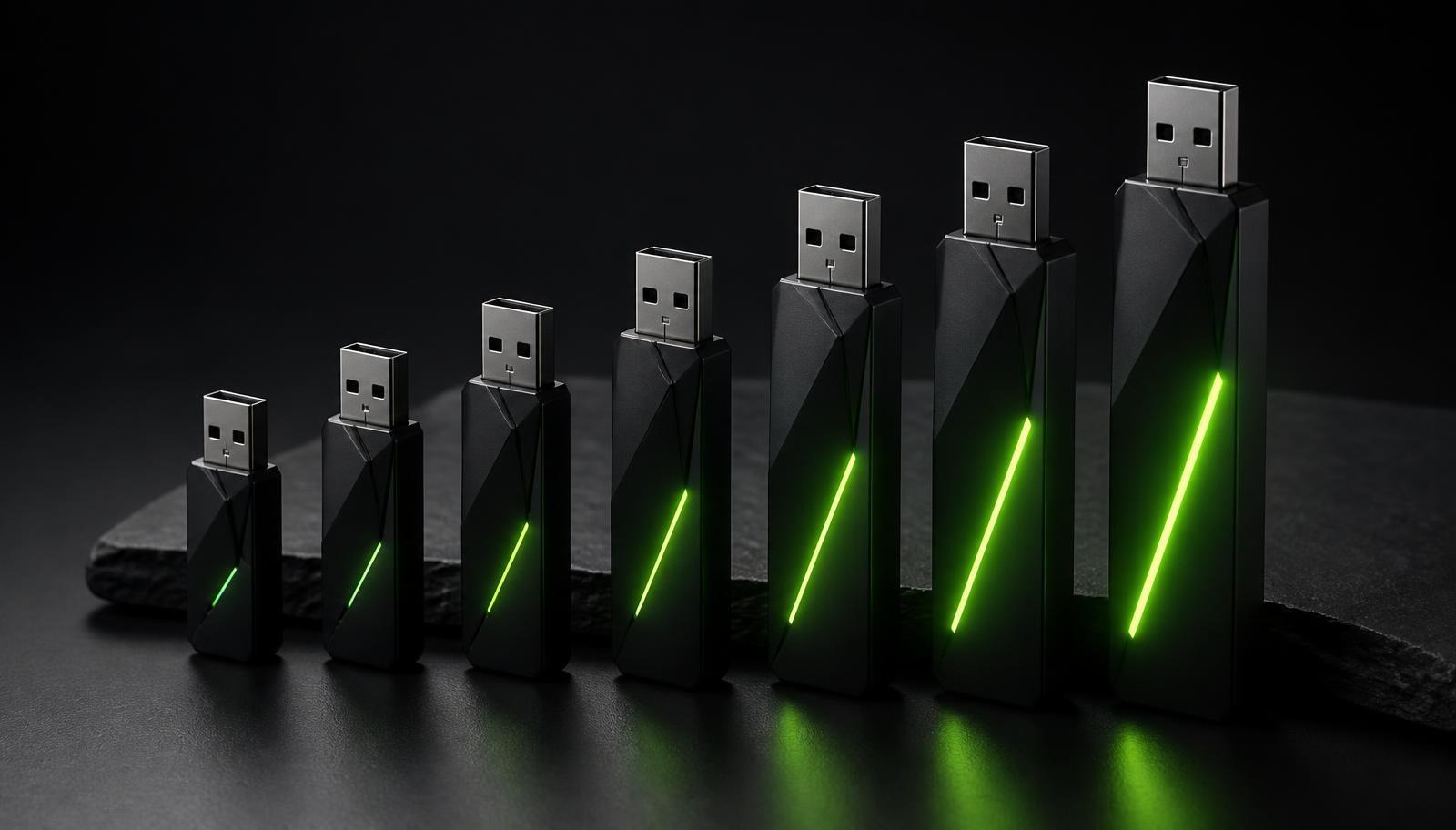
Because everything lives on the drive, the setup is also portable in a way software installs are not. The same assistant, with the same models and your preferences, works on your home desktop, a laptop on a plane, or a borrowed machine at a client's office — and leaves nothing behind when you unplug. Tiers range from the 32 GB Starter at $97 up to the 1 TB Sovereign at $997, with larger drives carrying bigger and more capable models.
The honest limitation: you are choosing from a curated set of models rather than the entire open-weight catalog, and the drive's capacity sets the ceiling. For the models most people actually use day to day, that ceiling is not one you will hit.
How the options compare
A pattern emerges: the software options are free and flexible but demand your time and a suitable machine; the hardware options cost money and give that time back. Privacy, notably, is not a differentiator — every option here runs locally, which is the whole point.
- Setup time: Neurastick (minutes, none required) < LM Studio (app + model downloads) < Ollama (install + configuration) < DIY build (days)
- Technical skill needed: Neurastick (none) < LM Studio (low) < Ollama (moderate) < DIY build (high)
- Portability: Neurastick (the drive is the setup) > Ollama/LM Studio (tied to one machine) > DIY build (a desk-bound box)
- Upfront cost: Ollama/LM Studio (free software, your hardware) < Neurastick Starter ($97) < DIY build (often $1,000+)
- Model flexibility: Ollama ≈ LM Studio (full catalog) > Neurastick (curated, pre-tuned) — DIY varies by build
- Privacy: equal across all genuinely local options — nothing leaves your machine in any of them
So which is the best local AI?
If you enjoy configuring software and already own a capable machine, start with LM Studio — it costs nothing and teaches you what local models can do. If you are a developer, Ollama is the natural home. If you want the fastest possible local models and budget is not a concern, build the rig.
If you want the outcome — a private, offline AI assistant — without the project, a pre-configured drive is the shortest path. That is the gap Neurastick exists to fill: the same open-weight models the DIY crowd runs, already installed, tested and tuned, on a drive that works the moment you plug it in. You can compare the six tiers on the shop page and pick the one that matches how you work.
Frequently asked
What is the best local AI for beginners?
For beginners who want to tinker, LM Studio is the gentlest software start. For beginners who want zero setup, a pre-configured drive like Neurastick is simpler still — plug in and start chatting, with nothing to install.
Is local AI as good as ChatGPT or Claude?
The largest hosted models still lead on long multi-step reasoning and obscure recall. For everyday drafting, summarising, rewriting and document Q&A, current open-weight models like Llama 3.1 and Qwen 2.5 are close enough that most users cannot tell the difference — and they run privately.
Do I need a powerful computer for local AI?
Compact models (3–8 billion parameters) run comfortably on a modern laptop with 16 GB of memory. Larger models benefit from more memory or a dedicated GPU. Neurastick tiers are matched to typical hardware so the included models run well on ordinary machines.
Is local AI really private?
Yes — verifiably. Because the model runs on your own processor, you can disconnect from the internet entirely and it keeps working, which demonstrates that nothing is transmitted or stored elsewhere.
What does local AI cost?
Software like LM Studio and Ollama is free; you supply the hardware. A Neurastick runs $97 to $997 depending on capacity and included models, with no subscription — the drive is a one-time purchase.
Sources and further reading
- LM Studio — run local LLMs on your computer— LM Studio
- Ollama — get up and running with large language models locally— Ollama
- Llama 3.1 open model overview— Meta AI
- Qwen 2.5 model family— Qwen Team
Related on Neurastick
Own your AI. Starting at $97.
One payment, no account, fully offline. Compare all six Neurastick models.
Shop Now